Healthcare copiers and multifunction printers.
Choose equipment around volume, security, scanning, paper handling and uptime—not a generic model list.
Designed around healthcare operations
- Secure print and scan workflows
- Reliable service and uptime planning
- Fleet standardization and cost control
- Right-sized Xerox office equipment
What to evaluate
- Monthly print and scan volume
- Number of users, departments and locations
- Secure print and user-authentication needs
- Scanning destinations and document routing
- Paper sizes, forms and finishing requirements
- Service response expectations and downtime risk
A better equipment conversation
Instead of starting with a model number, start with the work. We can then match Xerox or other supported office equipment to the application and support plan.
Plan for protected information from the start.
Access
Consider device authentication, user permissions and role-based access.
Output
Secure-release workflows can help reduce sensitive documents sitting unattended.
Scanning
Define approved destinations, naming, routing and retention before automating.
Security features must be properly configured and used within your organization’s policies. Equipment alone does not establish HIPAA compliance.
Xerox equipment for your practice’s document workflows
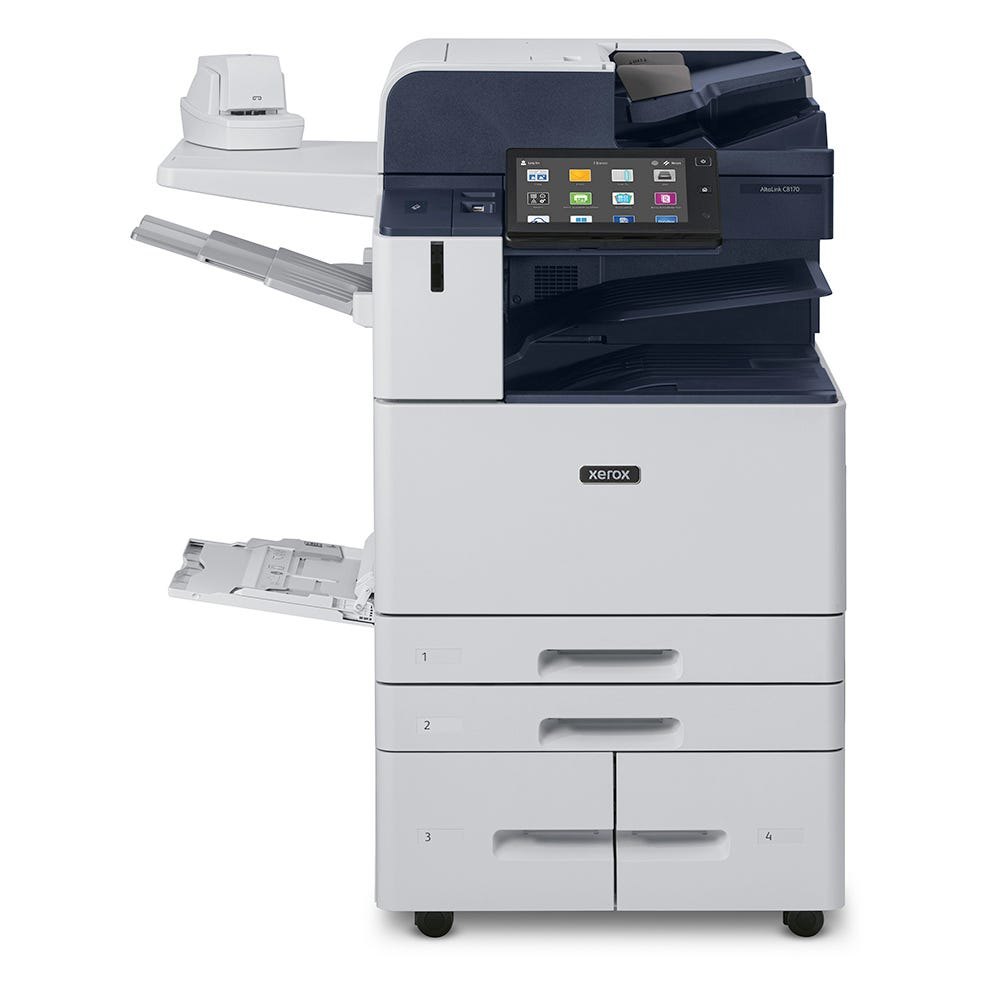
Xerox AltaLink C8100 Series
A color multifunction copier for teams that need printing, copying and scanning.
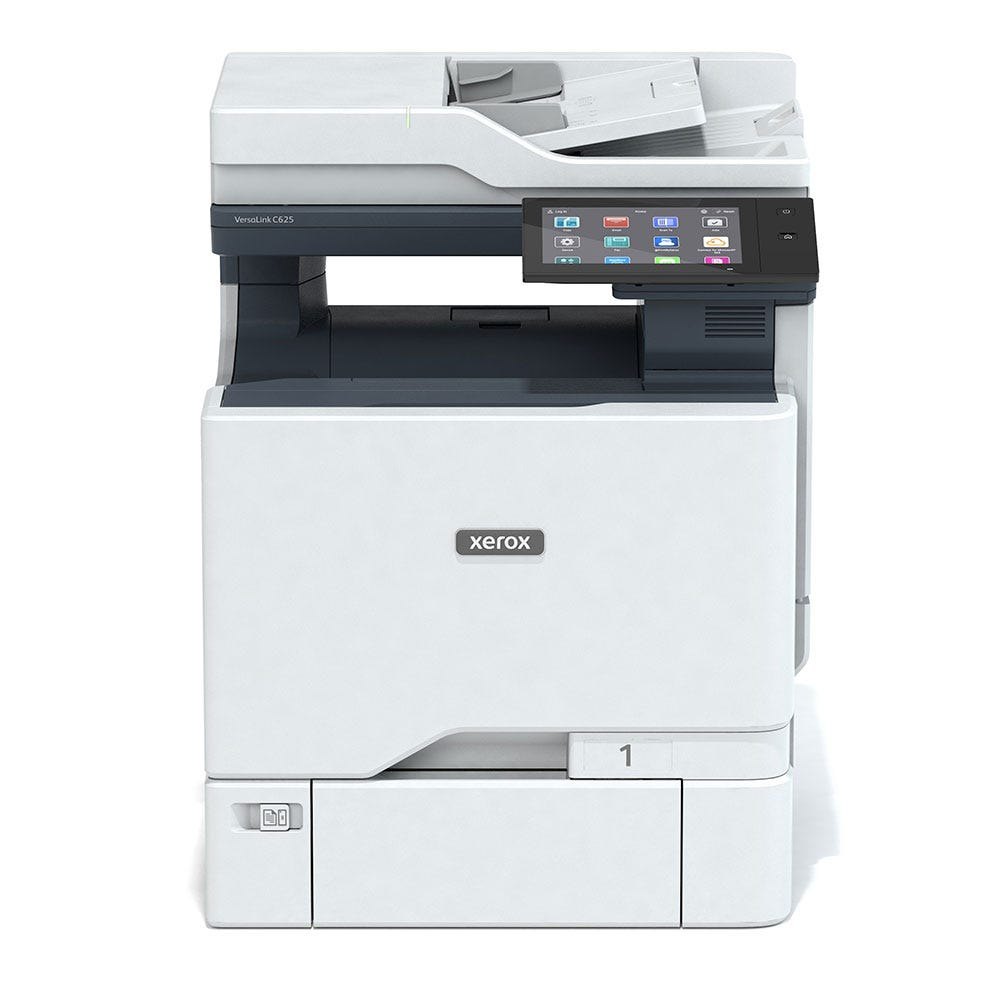
Xerox VersaLink C625
A compact option for printing and scanning documents in medical offices.
The Healthcare MFP Solution requires compatible equipment, apps, licensing and configuration. Images show devices; additional healthcare services are evaluated separately.
Product images: Xerox.