Xerox Healthcare MFP Solution with Kno2
Bring patient document exchange to a compatible Xerox multifunction printer. Evaluate how the Share Patient Information App and Kno2-connected services can fit your practice's referral, records and EHR workflows.
Three connected components
- A compatible Xerox MFP
- The Share Patient Information App
- Kno2 cloud services and configuration
Turn paper records into connected healthcare workflows
The Xerox Healthcare MFP Solution combines a compatible Xerox multifunction printer, the Share Patient Information App and Kno2's cloud service. It gives healthcare teams a way to exchange clinical documents from the device they already use for scanning and printing.
Share patient information
Scan documents and send them to participating providers through the Share Patient Information App and Kno2's interoperability services. Evaluate a dedicated clinical exchange workflow for referrals and records.
Connect with EHR workflows
Depending on your EHR's capabilities and the configured connection, the solution can support scanning and storing documents in a patient's chart. Compatibility needs to be checked for your specific system.
Evaluate healthcare fax options
Optional Kno2 Fax for Healthcare can support digital fax workflows. Fax services, number porting and the route into your EHR require separate evaluation and additional service.
Features depend on device compatibility, licensing, Kno2 services and configuration. Security features support your organization's policies; equipment alone does not establish HIPAA compliance.
What to check before choosing the solution
Your Xerox device
Provide the exact model and current software details. The app requires a compatible ConnectKey-enabled MFP; compatibility should be verified before quoting a license or replacement device.
Your EHR and exchange requirements
Identify your EHR, intended recipients and whether you need Direct messaging, chart storage or fax. The available workflow depends on the EHR, destination and services configured.
Licensing and setup
The app requires activation and the relevant Kno2 account and services. Ask for an explanation of software licensing, any recurring service charges, setup responsibilities and optional fax services.
From paper referral to a digital exchange
For an illustrative referral workflow, staff scan the document at the compatible MFP, select the appropriate recipient in the app and use the configured Kno2 exchange service. Your practice should define who can access the workflow, where records belong and how it verifies delivery.
This is a planning example, not a claim about a Lexdirect customer or a guarantee of integration with your EHR.
Questions about the Xerox Healthcare MFP Solution
Does it work with every Xerox copier?
No. A compatible device is required. Share your exact model so compatibility can be checked against Xerox's current documentation.
Can documents go directly into our EHR?
That depends on your EHR's capabilities and the configured services. Review the EHR and intended workflow before assuming a direct chart connection is available.
Are healthcare fax services included?
Optional Kno2 Fax for Healthcare requires additional service. Confirm scope, number porting and pricing as part of your assessment.
Does buying the solution make our practice HIPAA compliant?
No. Device and exchange security are part of a broader program that includes your organization's configuration, access controls, policies and operational practices.
Learn more from Xerox: Healthcare MFP Solution · Healthcare solution brochure (PDF) · Setup and compatibility guide (PDF).
Healthcare technology for Naples and Miami, with statewide service coordination
Discuss your current Xerox equipment, EHR, document exchange process and location with Lexdirect. Start by checking compatibility and identifying which healthcare workflow you want to improve.
Lexdirect provides healthcare equipment guidance and coordinates service through Xerox technicians based in Miami and throughout Florida, subject to equipment and service-plan coverage.
We also support inquiries from Fort Myers and Sarasota.
Explore Miami healthcare copier solutions.
Compare equipment · Review leasing options · Request service
Talk about your practice's requirements
Naples: (239) 666-8272
Sarasota: 941-220-0004
Miami / statewide inquiries: 855-779-3769
Xerox equipment for your practice’s document workflows
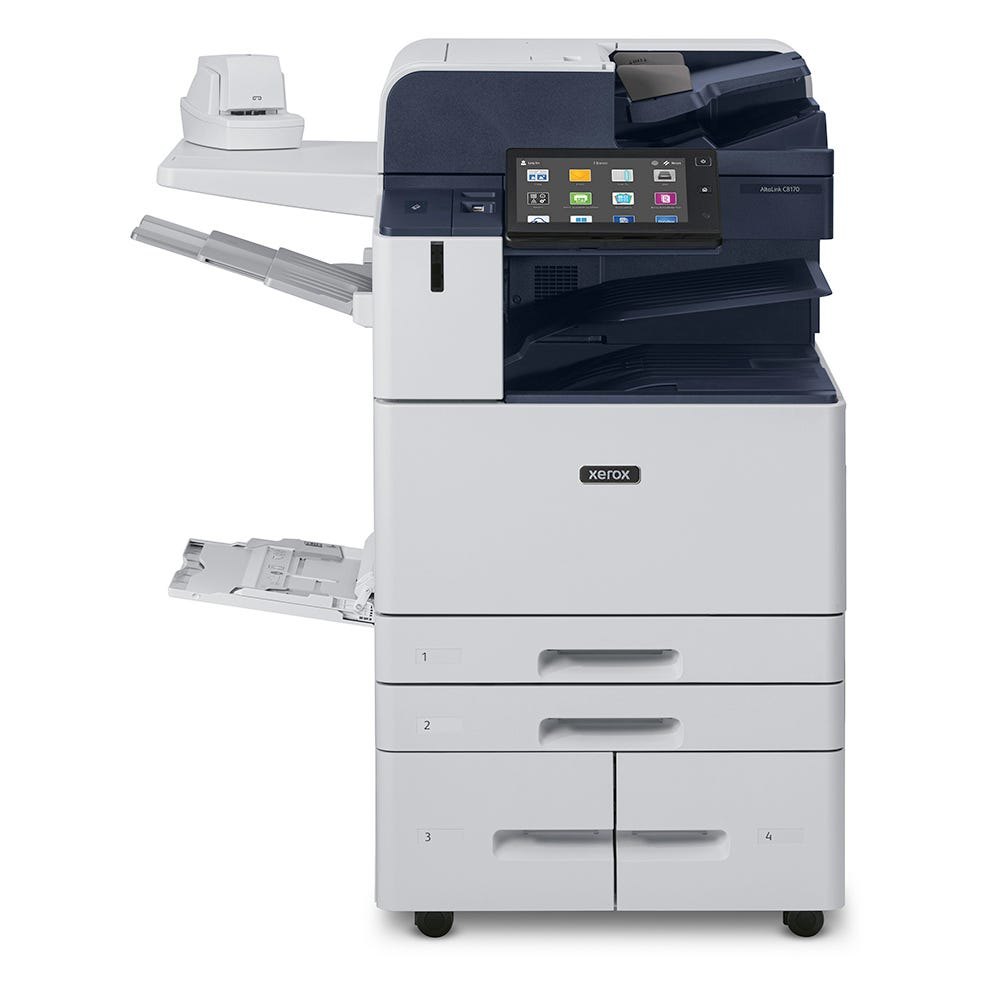
Xerox AltaLink C8100 Series
A color multifunction copier for teams that need printing, copying and scanning.
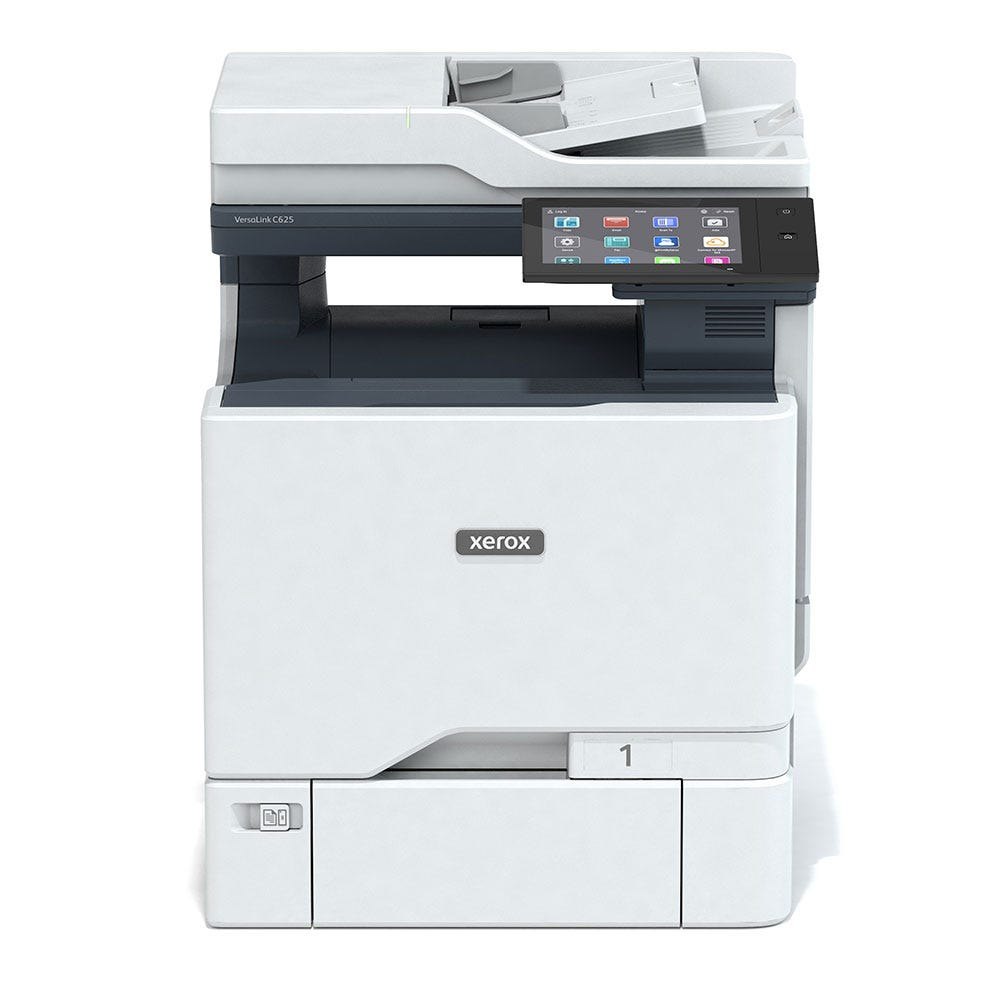
Xerox VersaLink C625
A compact option for printing and scanning documents in medical offices.
The Healthcare MFP Solution requires compatible equipment, apps, licensing and configuration. Images show devices; additional healthcare services are evaluated separately.
Product images: Xerox.